My Blood Others Life
From emergency request to life saved — in ten steps.
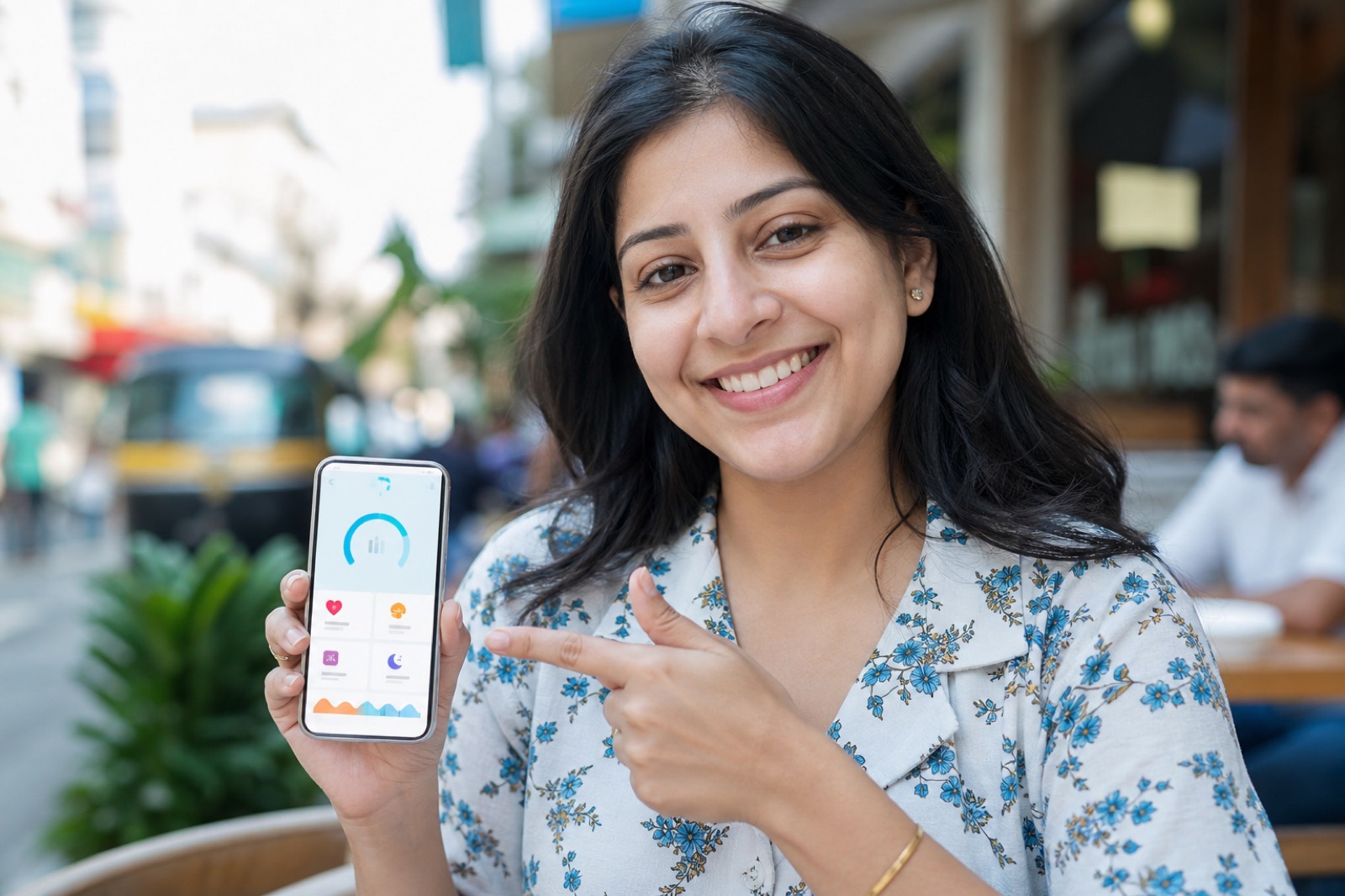
Atala Raktadan Abhiyan is built around a simple promise: when someone needs blood urgently, matching donors should know within seconds. Our mobile app coordinates the entire journey — registration, matching, secure contact sharing, donation, and recognition.
The Platform
Technology in service of compassion.
Every feature of the Atala Raktadan Abhiyan app is designed for real emergencies — late-night trauma cases, postpartum haemorrhage, cancer transfusions, and road accident victims who cannot wait for social media posts to go viral.
Donors opt in voluntarily. Requesters submit verified details. The system notifies only compatible blood groups within a configurable radius. Once a donor accepts, contact information is exchanged securely so families and hospitals can coordinate without delay.
- Instant push notifications to matching donors
- Privacy-first contact sharing after acceptance
- Auto-generated digital donation certificates
- Complete donation history and achievement badges
Donor Journey
Ten steps that turn your blood into someone’s lifeline
Whether you are registering for the first time or responding to an emergency alert, every step is designed to be clear, fast, and dignified for both donors and patients.
Register in the app
Download the Atala Raktadan Abhiyan app from Google Play or the App Store. Create your account using your mobile number and verify with OTP. Registration takes less than two minutes and is completely free. You can sign up as a donor, a requester, or both — many of our community members serve in dual roles.
Complete your profile
Add your full name, date of birth, city, and pin code so the system can locate you accurately during emergencies. Enter your blood group, weight, and last donation date if applicable. Upload a profile photo optionally. A complete profile ensures faster matching and builds trust with requesters and hospital coordinators who rely on verified information.
Register as a blood donor
Toggle your donor status to “Available” and confirm that you meet basic eligibility criteria — age 18–65, weight above 45 kg, and no disqualifying health conditions. You can set your preferred notification radius (5 km, 10 km, 25 km, or city-wide). Donors who travel frequently can update location in real time so alerts reach them wherever they are willing to help.
Patient submits an emergency request
When a medical emergency arises, the patient’s family member, hospital staff, or NGO partner submits a blood request through the app. Required details include blood group, number of units needed, hospital name and address, patient name, urgency level (critical, urgent, or scheduled), and a contact number. GPS location helps the system prioritise nearby donors automatically.
Matching donors receive notifications
Within seconds, registered donors whose blood group is compatible with the request receive a push notification on their phone. The alert shows blood type required, hospital location, distance from the donor, and urgency level. Donors can view the full request details before deciding — there is never any obligation to respond, but every notification represents a real person waiting for help.
Donor accepts the request
When a donor is willing and available, they tap “Accept” on the notification or within the app’s Requests tab. Acceptance signals commitment to coordinate with the requester. If multiple donors accept, the requester can choose based on proximity and availability. Donors who cannot help can dismiss the alert silently — no pressure, no penalty.
Contact information is shared securely
After acceptance, the app exchanges verified phone numbers between the donor and requester. Hospital address, patient ward details, and any special instructions are visible in the chat thread. Personal data is never published publicly. Contact details are shared only for the specific request and remain protected under our Privacy Policy.
Donation is completed
The donor travels to the designated hospital or blood bank, undergoes standard medical screening, and completes the donation. A trained phlebotomist collects the blood — typically 350–450 ml for whole blood donation, completed in 8–12 minutes. The requester or hospital coordinator marks the request as fulfilled once the transfusion is arranged or the unit is received.
Digital certificate is issued
Upon confirmation of a successful donation, the platform automatically generates a personalised digital blood donation certificate. It includes the donor’s name, blood group, donation date, camp or hospital name, and a unique certificate ID. Certificates can be viewed, downloaded as PDF, and shared on social media to inspire others — turning every act of seva into a visible symbol of hope.
History and achievements are updated
Your donation is logged in your personal history dashboard. Total donations, lives supported, and streak milestones are tracked automatically. Unlock achievement badges — First Drop, Regular Hero, Lifesaver 10, Emergency Responder — as you continue giving. Your next eligible donation date is calculated based on donation type, helping you plan future contributions responsibly.
Certificate of Blood Donation
Recognised for selfless service under Atala Raktadan Abhiyan — My Blood Others Life
Recognition
Every donation deserves to be honoured.
Digital certificates are not just paperwork — they are proof of character, useful for college applications, corporate CSR records, and personal motivation. Each certificate is tamper-evident with a unique ID verifiable through our platform.
Achievement badges celebrate consistency: responding to midnight emergencies, donating at five different camps, or reaching ten lifetime donations. Your profile becomes a living record of the lives you have touched.
Learn About CertificatesFor Requesters
When someone you love needs blood urgently
Families facing a medical crisis should not have to post desperate messages across dozens of WhatsApp groups. The requester journey is designed for speed and clarity.
Submit request
Open the app, tap “Request Blood,” and enter patient details, blood group, units needed, hospital, and urgency level.
Wait for responses
Matching donors in your area receive instant alerts. You will see acceptances appear in real time on your dashboard.
Coordinate
Call or message the accepting donor directly through the app. Share ward number, doctor name, and any timing constraints.
Confirm fulfilment
Mark the request complete once blood is arranged. This triggers the donor’s certificate and keeps our community data accurate.
Express gratitude
Leave a thank-you note in the app. Many donors tell us that a family’s message is the most meaningful reward they receive.
For critical emergencies at odd hours, always use the mobile app rather than the website form — notifications reach donors within seconds, not hours.
At a Glance
What makes our process different
Speed
Push notifications reach compatible donors in under 10 seconds. In trauma cases, every minute saved can mean a life preserved.
Privacy
Phone numbers and addresses are never listed publicly. Data is shared only after mutual acceptance for a specific request.
Hospital-ready
Partner blood banks and hospitals can verify requests, reducing fraud and ensuring donations reach genuine patients.
My Blood Others Life
Ready to join the chain of life?
Download the app, register as a donor, or submit an emergency request — three actions that can change everything for a family in need.